
Home WiFi & networking
TP-Link WiFi that covers every room, the majlis and the garden, managed from your phone.
- One seamless network
- Every floor and the garden
- Fully managed from your phone

A complete home network.

Structured cabling
A neat 12U cabinet where every cable is labelled and connected to TP-Link switches.
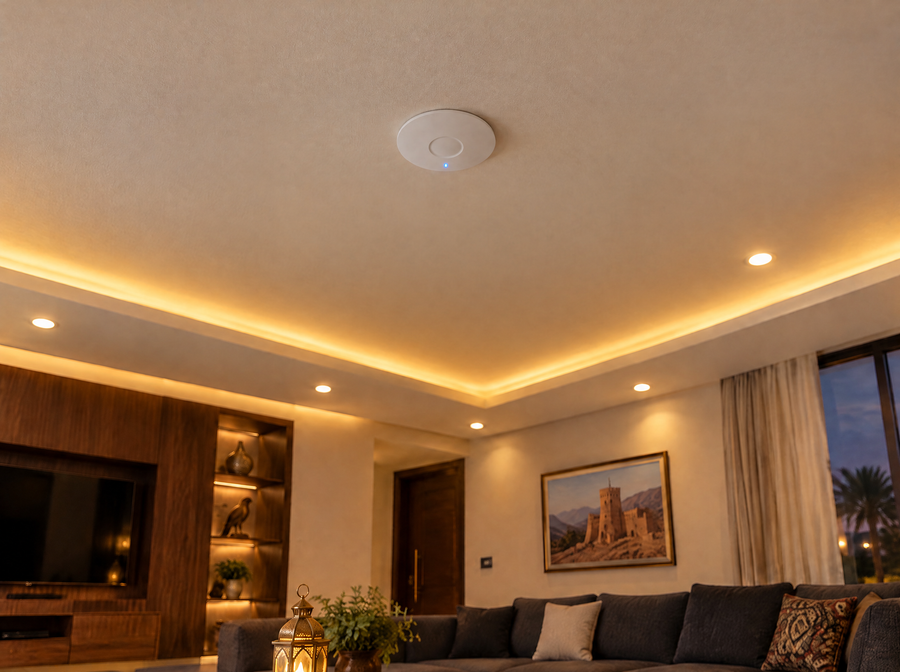
Ceiling access points
Slim ceiling access points spread across the house for one seamless network.
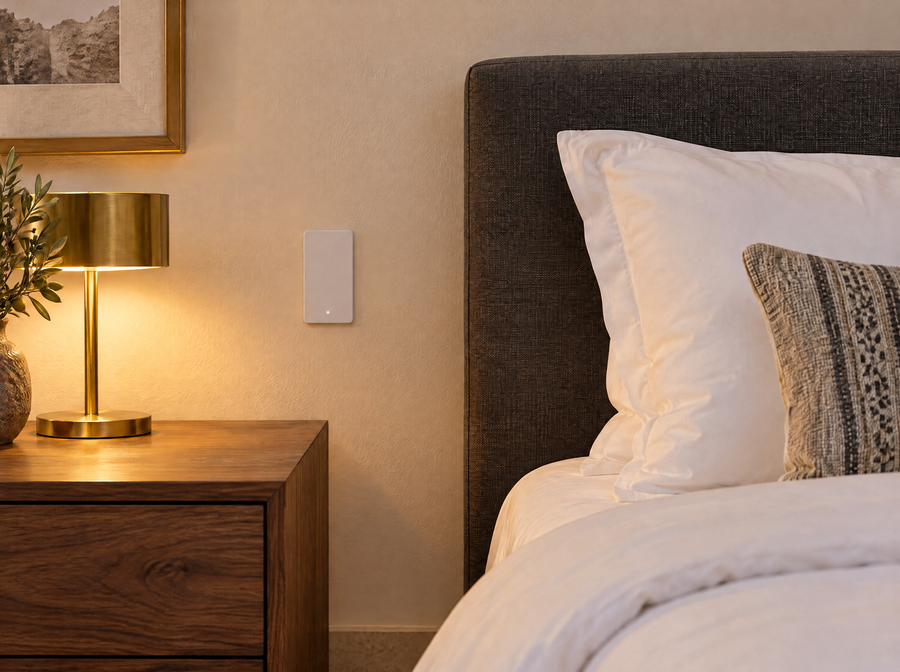
Wall access points
WiFi plus network ports from a wall box, ideal for bedrooms and offices.
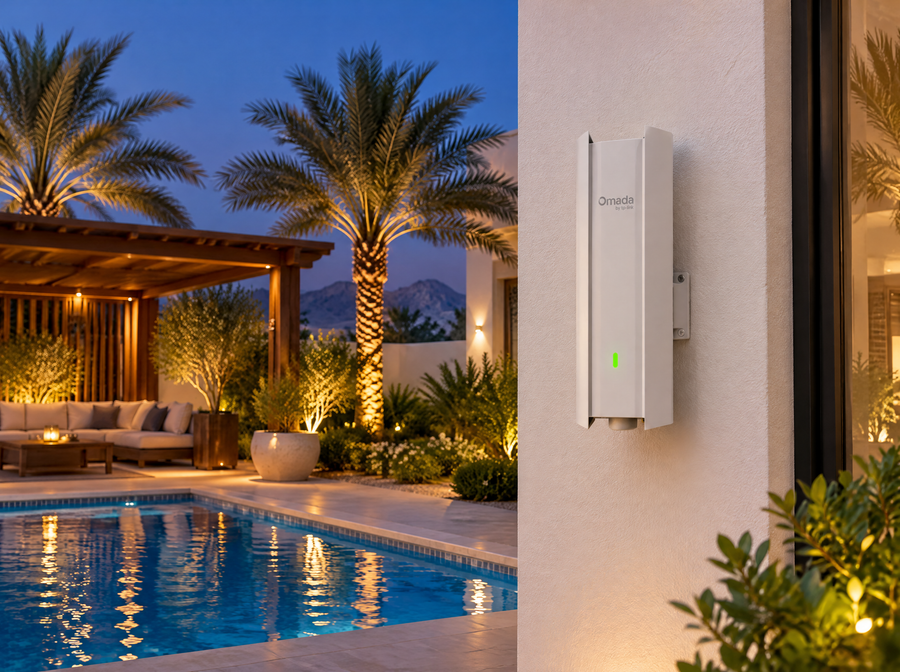
Outdoor access points
Weatherproof WiFi for the garden, pool, roof and outdoor majlis.
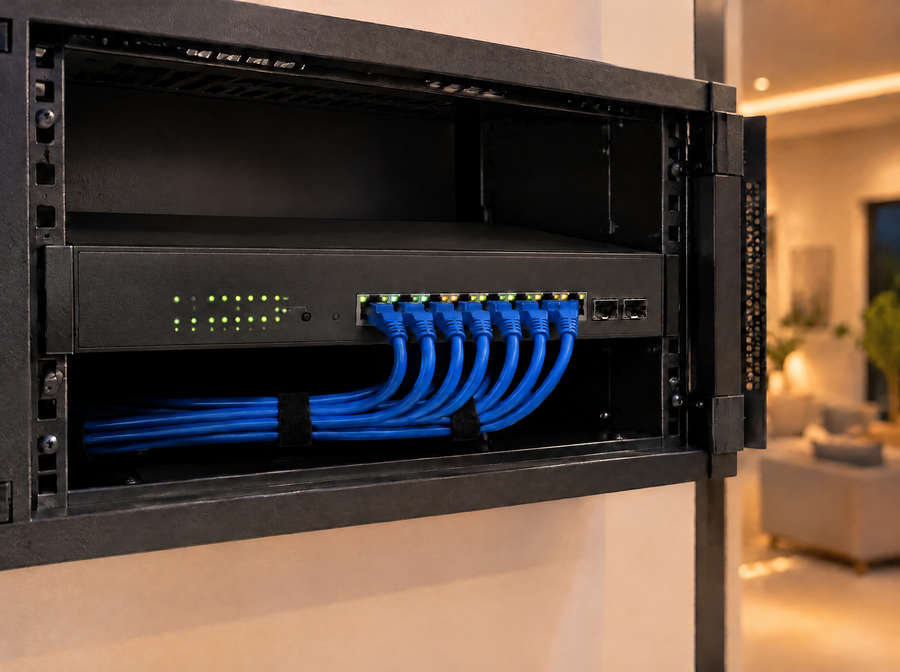
PoE switches
TP-Link PoE switches power and connect access points and cameras through one cable.

Internet in every room
A wall access point or a Cat6 network socket in each room, for TVs, computers and panels.
Full speed in every room.
Inside your home, a planned TP-Link network moves data at up to 10 Gbps, depending on the equipment, so your internet line reaches every room at its full speed.

Your whole network on your phone.
Manage the network from the app, wherever you are.
- Access points and switches
- Connected devices, with a guest network
- VLANs and IP management, and much more
- Works with your Omantel or Ooredoo line
From weak spots to full coverage.
-
1 1
House plan
We study your house plan and walls, and visit the site.
-
2 2
Access point layout
We mark where each access point goes on your house plan, usually 2 to 6.
-
3 3
Installation
Cabling, the network cabinet, switches and access points.
-
4 4
Setup and handover
One network across the house, managed from the app on your phone.
Questions we often hear.
How many access points does a villa need?
It depends on the house plan. Most homes need 2 to 6 access points, and some need more.
Will this work with my Omantel or Ooredoo internet?
Yes. The network connects to your existing internet line and spreads it across the house.
Can guests have their own WiFi?
Yes. A guest network with its own password, kept separate from your home devices.
Weak WiFi at home?
Send us your house plan or the number of floors, and we will suggest an access point layout.
Chat on WhatsAppWorks together in one app.
No more dead spots.
Standalone WiFi projects are quoted after a site visit, custom based on requirements.


 Smart Life


